Your city can be missing from the big station board even when you are standing in the right place for the right train. The main departure display usually shows the train’s final destination, not every station where it stops. That is the key to reading Italian train departure boards without second-guessing your ticket. Match the train number first, then the departure time and platform, and confirm that your stop appears in the train’s list of intermediate stations.
Why the board shows a different city from your ticket
Suppose your ticket is from Milano Centrale to Verona Porta Nuova. Your train may continue beyond Verona to Venezia Santa Lucia. On the main board, the Destinazione column can therefore say VENEZIA S. LUCIA. Verona is still your stop; it simply is not the end of the train’s route.
This is normal on high-speed, Intercity, and regional services. A traveler going from Florence to Bologna might see Milan or Turin on the display. Someone traveling from Rome to Florence may see Bologna, Milan, Venice, or another terminal depending on the service. Do not choose a train simply because the city name looks geographically right. The train number is a much stronger match.
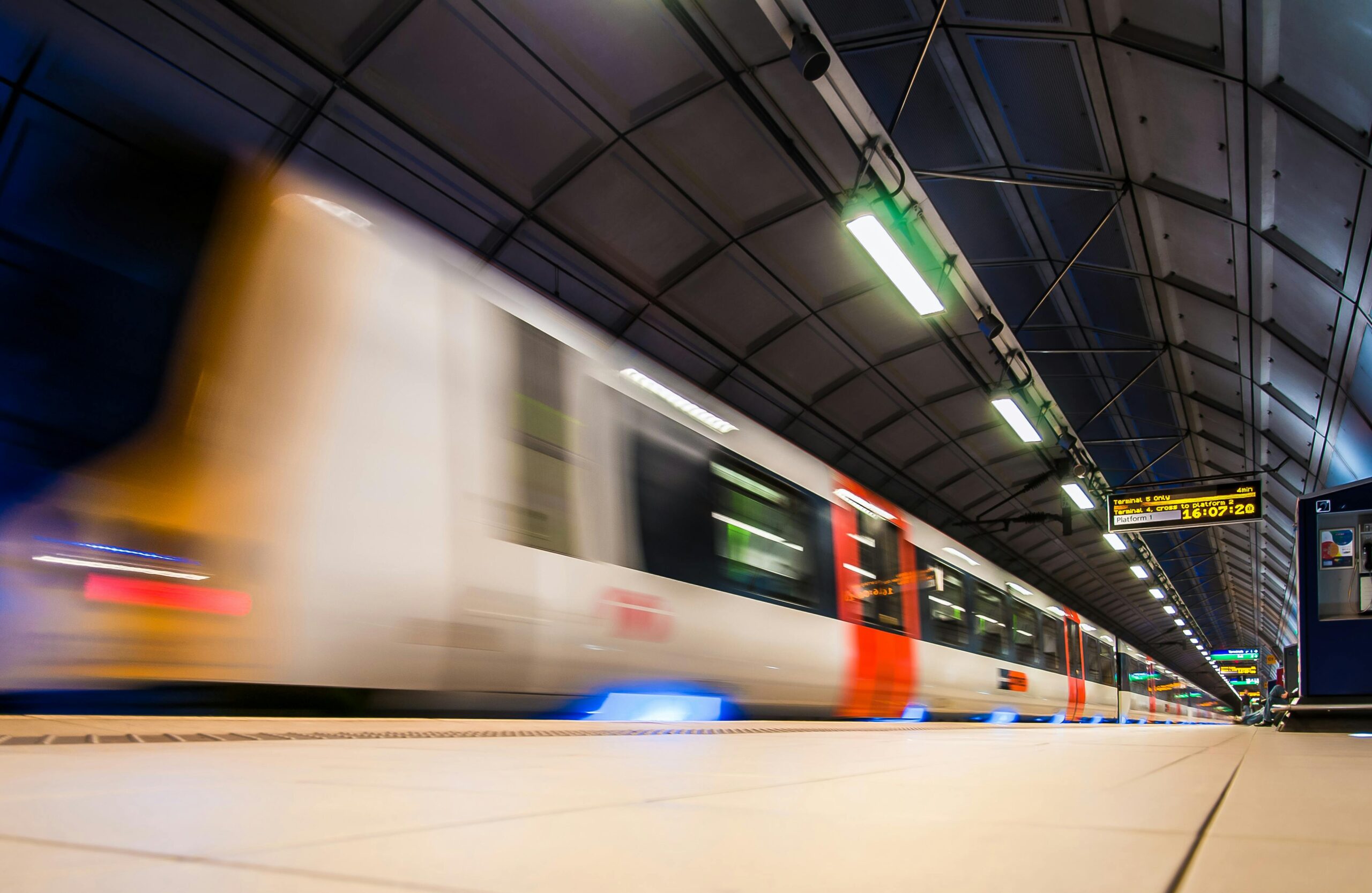
Read the departure board in this order
Look for Partenze, meaning departures. Arrivi is the arrivals board and will show where incoming trains come from, usually under Provenienza.
- Treno / N. treno: the train or service number. If your ticket gives a specific train number, use this as your primary identifier.
- Orario: the scheduled departure time. Use it as a second check, not your only one.
- Destinazione: the train’s terminal station. This may be well beyond the city where you are getting off.
- Binario: the platform or track. This may appear only closer to departure and can change.
- Ritardo: delay, usually shown in minutes.
- Informazioni: extra operational details. On RFI’s live monitor, this can include Fermate successive, the upcoming stops.
Train category or operator can provide another useful check. You may see Frecciarossa, Intercity, Regionale, Regionale Veloce, or Italo. On crowded boards, matching category plus train number is faster than scanning every destination name.
How to confirm that the train actually stops where you need it
If your city is not the terminal, verify the stop before boarding. The most useful official tool inside an RFI-managed station is the RFI live arrivals and departures monitor. Select the station, choose departures, find your train number, then open its information to see the subsequent stops where available.
Physical displays on the platform may also scroll intermediate calls. Listen to announcements for phrases such as ferma a, meaning “stops at,” followed by station names. If you are using Italo, Italo in Viaggio lets you check live station boards and search by train number.
If you still cannot confirm the stop, ask:
- “Questo treno ferma a Verona?” = Does this train stop at Verona?
- “Da quale binario parte il treno 9723?” = Which platform does train 9723 leave from?
- “È questo il treno numero 9723?” = Is this train number 9723?
Do not panic when the platform is blank
A blank Binario does not mean your train has disappeared. Platform assignments are sometimes posted later, especially at larger stations or when traffic is being reorganized. Stay near a main screen and keep checking rather than walking to a platform based on an old timetable, a screenshot, or a previous day’s departure.
RFI specifically warns that its online live monitor can lag by up to three minutes compared with information shown and announced inside the station. If the website says one platform but the station display or announcement has just changed it, follow the current station information.
Once the number appears, follow signs for Binari or Platforms. Some large stations also use controlled platform access or lettered gate areas. The gate is not the same thing as the platform number, so continue checking for the actual binario.
Common station abbreviations that make names look unfamiliar
Italian rail displays shorten long station names aggressively. The abbreviated name can look like a different place when you are tired or rushing. Common examples include:
- Firenze S.M.N. = Firenze Santa Maria Novella
- Venezia S. Lucia = Venezia Santa Lucia
- Bologna C.le = Bologna Centrale
- Torino P. Nuova = Torino Porta Nuova
- Genova P.P. = Genova Piazza Principe
Also check that you are at the correct station in the correct city. Rome has Roma Termini and Roma Tiburtina; Venice has Venezia Mestre and Venezia Santa Lucia; Florence has Firenze Santa Maria Novella and Firenze Campo di Marte; Milan has Centrale, Porta Garibaldi, Rogoredo, and others. A perfectly valid ticket will not appear on the board if you are looking at departures from the wrong station.
For a wider explanation of operators, regional versus high-speed trains, and ticket types, see the Italy by train beginner’s guide. It helps to understand the system before the station names and service categories start flying past on a screen.
What to do if two departures look almost identical
Large stations can have trains leaving within minutes of one another for the same terminal city. There may even be two different operators serving a similar route. Never identify your train from destination and departure time alone.
For a reserved Frecciarossa, Intercity, or Italo ticket, board the specific train printed in your booking. A different train to the same city is not automatically interchangeable. Regional tickets can have different flexibility rules depending on the product and operator, so check your ticket conditions before changing services.
A useful decision rule is simple: train number first, time second, final destination third, platform last. The platform is operational information and can change; your booked train number is the identity of the service.
If your train suddenly vanishes from the board
First check the time and the operator’s live information. Station displays cover a moving window of departures, and disruption can also change what is shown. Look for Cancellato (cancelled), a delay notice, or a platform-change announcement, then check the station screens again.
If you discover that you are at the wrong station, do not jump onto a different high-speed train simply because it heads toward your destination. Go to the ticket office or contact the operator through its official app before boarding another reserved service. If you are building several rail legs into the same day, it is useful to plan your Italy route with enough margin that one platform change does not turn the connection into a sprint.
For travel days, keep the official operator app alongside the station displays. The best apps for a trip to Italy guide covers the useful rail tools without filling your phone with duplicate planners.
One ticket rule that the departure board cannot fix
Finding the correct platform does not make an invalid ticket valid. Trenitalia’s current rules distinguish between regional ticket types: the Digital Regional Ticket is automatically validated at the scheduled departure of the selected train, while single paper regional tickets must be validated before departure. High-speed and other reserved tickets follow their own fare and train-specific conditions.
If you have a paper regional ticket, deal with validation before heading down a long passage to the platform. If you have a digital regional ticket, make sure the selected departure is the one you intend to take. The station board tells you where the train is going and where it leaves from; your ticket rules determine whether you are allowed to board it.
The 30-second check before you board
- Make sure you are looking at Partenze, not Arrivi.
- Match the train number on your ticket or booking.
- Check the scheduled departure time.
- Accept that Destinazione may be a city beyond your stop.
- Confirm your city under Fermate successive, on the platform display, in the operator app, or with staff.
- Follow the latest Binario shown in the station.
- If the platform changes, trust the newest station display and announcement over an older online screen.
Once you start reading the board as a list of train identities rather than a list of places you personally want to go, the apparent mismatch disappears. Your destination does not need to be the big city name on the screen. It only needs to be a confirmed stop on the correct train.