Use the code printed on the Autolinee Toscane stop pole, or palina, as the final check that you are standing at the exact boarding point. Florence bus stop codes identify a specific stop, not a bus line, so two poles on opposite sides of the same road can have similar names but different identifiers and directions. Match three things before waiting: the stop name or code, your line number, and the destination or terminus for that direction.
What the code on a Florence bus stop actually means
The number or alphanumeric identifier shown at the stop belongs to the fermata, meaning the stopping point. It is not the route number. One palina can serve line 6, line 23, C4 and several other services while still having a single stop identity.
This matters because Florence stop names are often built from street names, cross streets or nearby landmarks. Autolinee Toscane currently uses names such as PETRARCA PORTA ROMANA, SODERINI TORRINO SANTA ROSA and STAZIONE ORTI ORICELLARI. A stop a short distance away may have a nearly identical name while serving buses travelling in the opposite direction.
Do not try to work out the identifier from the street name or from a code you remember from another stop. Read it from the actual palina and use that exact stop when checking departures.
Palina, fermata and pensilina are not the same thing
A few Italian words make the street furniture much easier to understand:
- Fermata: the bus stop itself.
- Palina: the pole or upright stop sign carrying the stop information.
- Pensilina: a bus shelter. A valid stop does not need to have one.
- Capolinea: a terminus, where a service starts or finishes.
- Direzione: direction.
Autolinee Toscane states that scheduled departure information is displayed at its stops. On urban timetable sheets, the stop where you are standing is highlighted in red. Electronic displays, where installed, show real-time information rather than replacing the physical stop identification. The operator explains the different formats on its official stop timetable page.
The safest way to find the correct stop
- Plan the journey before walking to the curb. Use the Autolinee Toscane website or app and note the line, boarding-stop name and direction.
- Look at the destination, not only the route number. A line obviously runs in two directions, and the bus you need may stop across the road or around the corner.
- Find the physical palina. Check that the stop name matches the one in your journey result.
- Confirm that your line is listed there. Several routes may share the pole, but if your route is absent, you probably have the wrong stopping point.
- Use the stop identifier for a final digital check. Autolinee Toscane’s official Telegram service accepts either a stop name or its code and returns upcoming real-time passages.
- Check the bus itself before boarding. Read the route and destination on the vehicle display rather than assuming every bus approaching the pole is yours.
On the official website, the Linee e Orari and Travel Planner tools let you select a route and then a particular stop. Route pages separate the two directions with the Italian wording Cambia direzione, literally “change direction.” That button is particularly useful when two stop names look almost identical.
Why the opposite side of the road can be a different stop
A common visitor mistake is finding the right street but the wrong palina. Bus stopping points are directional. The pole serving buses toward the city centre and the pole serving buses away from it may sit almost opposite one another, yet they are separate stops.
Do not use “the bus goes down this street” as your test. Check the terminus of the route. If your planned journey says the bus is heading toward a particular destination, the route page for that direction should include the stop where you are standing.
Street layout can make this less obvious than it sounds. A one-way system may put the return journey on a parallel street rather than directly across the road. Around large junctions, several poles may be scattered around different corners of the same piazza.
Santa Maria Novella is a good example of why stop names matter
Florence’s main railway station does not have one universal curb where every city bus stops. Autolinee Toscane services around the station use different stopping points, with names that can include STAZIONE SCALETTE, STAZIONE ORTI ORICELLARI and STAZIONE PIAZZA ADUA, depending on the line and current routing.
That means “take the bus from SMN” is not enough information to start walking. Find the exact stop in the operator’s journey planner first, particularly if you have luggage and do not want to discover that the correct pole is on the other side of the station. Our Firenze Santa Maria Novella station guide is useful for getting your bearings around the station area before making the transfer.
Use the route destination as a second identifier
After the stop code, the route destination is your best defence against boarding in the wrong direction. The number on the front of the bus tells you the line; the destination tells you which way that particular vehicle is going.
Terminuses can be streets, neighbourhoods, stations or places that mean very little to a first-time visitor. You do not need to know where the terminus is. You only need to confirm that it matches the direction shown in your planned journey.
If you are going to an intermediate stop, save or screenshot the route result rather than relying on memory. Once the transport legs are sorted, you can organize the rest of your Italy route around the places you actually want to reach rather than repeatedly rebuilding individual journeys.
How to check the stop in real time
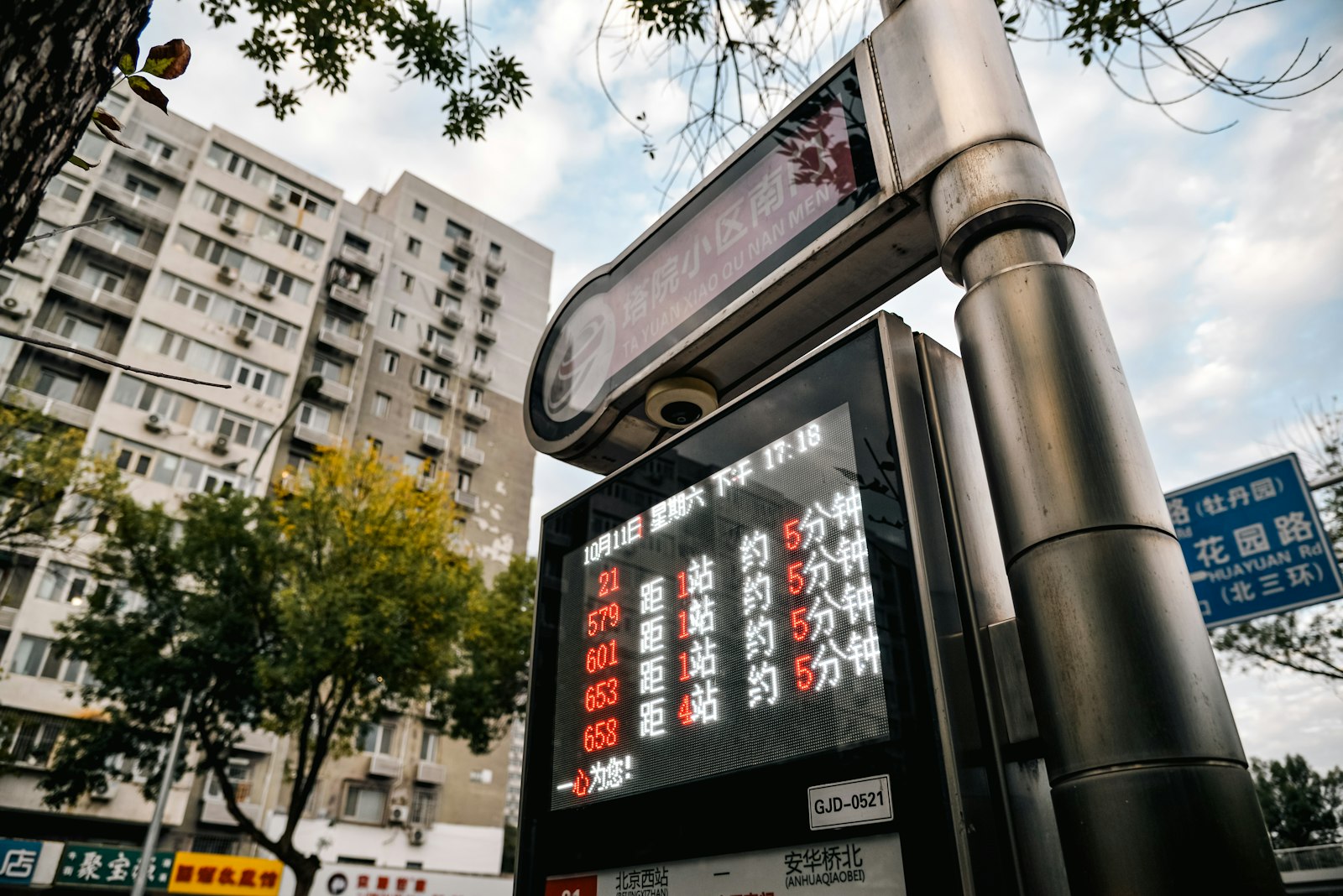
Autolinee Toscane’s official Telegram bot, AT – Orari in fermata, is particularly useful after you have reached the pole. According to the operator, you can enter either the stop name or its code and see real-time passages during the next 30 minutes. Instructions are on the official Telegram timetable page.
The AT app and website also distinguish live information from scheduled information. In the current system, real-time departures are identified with a green wave symbol, while scheduled departures use an asterisk. A scheduled time tells you what the timetable says; it does not prove the bus is currently approaching.
The square QR code you may see on a stop is separate from the written stop identifier. If a sticker is damaged, obscured or refuses to scan, you can still use the printed stop name or code manually.
What to do when the palina has been moved
Road works, tram construction, markets, demonstrations and other street closures regularly alter bus routes in Florence. Knowing the permanent stop code does not help if that stop has been temporarily taken out of service.
Watch for these terms in Autolinee Toscane notices:
- Fermata spostata: stop moved to another location.
- Fermata provvisoria: temporary stop.
- Fermata soppressa: stop not being served.
- Deviazione: route diversion.
- Capolinea provvisorio: temporary terminus.
If the normal pole carries a notice saying the stop is suspended, do not wait there because your journey-planning app still shows the familiar street. Open the alert for your line and follow the temporary-stop instructions. A temporary boarding point may be marked by a portable sign rather than the permanent street furniture, so do not assume the old stop identifier applies at the new location.
Third-party mapping apps are useful for walking to the general area, but an operator notice should be your final authority when a stop has moved that day.
If several buses use the same palina
Stand where the driver can see you and watch the approaching vehicle. Autolinee Toscane instructs passengers waiting at a stop to signal their intention to board by raising a hand. This is useful in Florence because a driver may otherwise have no reason to stop when nobody appears to want that particular service.
Once aboard, press the stop-request button before your destination. Do not assume the bus automatically calls at every stop simply because it appears on the route.
If you cannot find the stop at all
When the map says you have arrived but no pole is visible, check systematically rather than wandering farther down the road:
- Confirm the exact stop name in the AT journey result.
- Check the other side of the road and the next corner, especially around one-way streets.
- Look for a temporary-stop notice or portable palina.
- Open the line page and check for avvisi, meaning service notices.
- Search the stop name in the AT app rather than searching only for the street address.
If you are still stuck, Autolinee Toscane’s current customer-service number is 800 14 24 24, available daily from 06:00 to 24:00, with a fixed-line alternative of 055 51351. The latest contact hours are listed on the operator’s contact page.
Reduced mobility: the correct stop is only part of the check
Passengers who need a wheelchair ramp should verify more than the stop name. Autolinee Toscane states that ramp service depends on an appropriate vehicle and on both the boarding and arrival stops being enabled for the service. A request must currently be made at least 48 hours ahead and confirmed by the operator.
The dedicated reduced-mobility number is 800 14 24 25, open daily from 08:00 to 20:00. Requirements and booking instructions are on the official accessibility booking page.
The three checks that prevent most stop mistakes
Before settling in to wait, look at the pole one last time. The stop name or identifier should match your planned boarding point, the line number should be listed at that palina, and the direction or terminus should match the bus you intend to take. If one of those three does not agree, keep checking before the bus arrives. Five seconds beside the sign is much easier than discovering the mistake three neighbourhoods later.