For most visitors, ARST bus tickets in Sardinia are simplest to buy before boarding through DropTicket, TabNet, Around Sardinia, an authorized ticket retailer, or an ARST vending machine. For regional journeys, choose the correct origin and destination rather than guessing a fare from the line number. Then validate the ticket as you board and keep it available for inspection. The other trap is the timetable: labels such as FER, SCO and FERE describe when a particular departure operates, not where the bus goes.
Which way should you buy an ARST ticket?
ARST officially supports three digital channels: DropTicket, TabNet and Around Sardinia. Tickets are also sold through authorized retailers and self-service machines. ARST’s current purchase options are listed on its official ticketing page.
The easiest choice depends on the journey:
- Use Around Sardinia if your trip involves more than one Sardinian transport operator. The regional platform can plan journeys and sell tickets for participating operators including ARST, CTM, ASPO and the public transport companies in Nuoro and Sassari.
- Use DropTicket or TabNet if you already know you are taking an ARST service and mainly need the ticket.
- Use an authorized tabaccheria or other retailer if you prefer a physical ticket, have unreliable mobile data, or want to sort out the ticket before travelling.
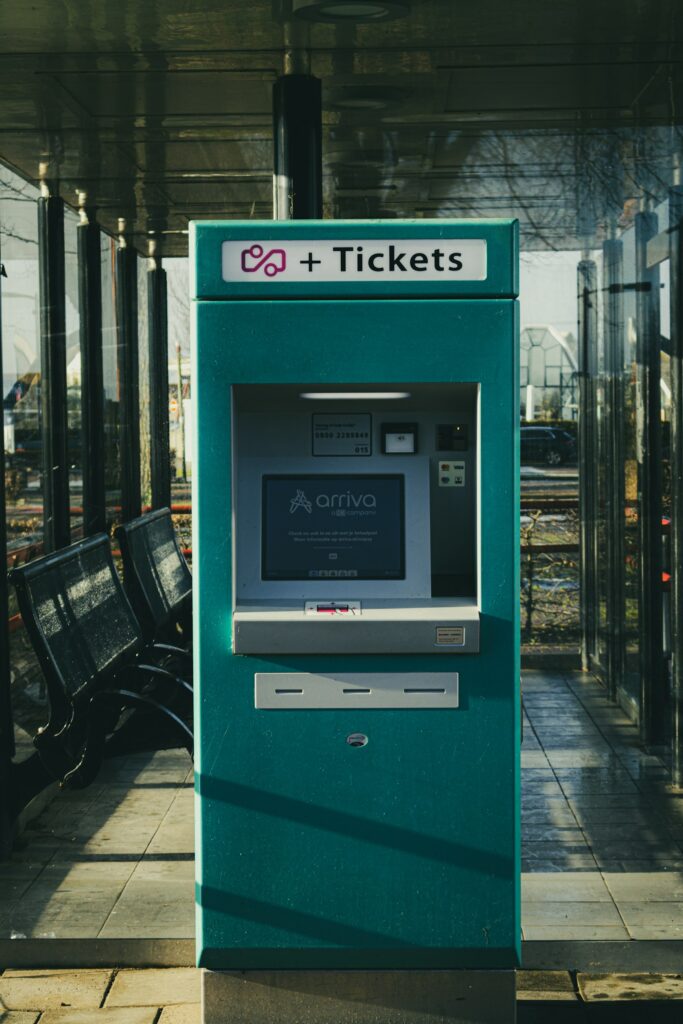
- Use an ARST vending machine when one is available at a station or major terminal. This is particularly useful early in the morning or on holidays when staffed ticket offices may be closed.
Buying on the bus should be treated as a fallback, not the normal plan. ARST generally permits onboard ticket sales on its bus services with a surcharge, although individual or special services can have different rules. Do not assume that every bus accepts contactless cards merely because you used contactless on another Sardinian route.
Buying an extraurban ticket in an app
Regional ARST fares are based on the journey, so the useful information is your departure point and destination. A route number alone is not enough. If you are travelling from a town to a beach, airport or another town, check the exact ARST stop name first, then use that origin and destination when buying.
- Open DropTicket, TabNet or Around Sardinia and select ARST if the app asks for an operator.
- Enter the correct departure and arrival locations.
- Choose the appropriate corsa semplice, meaning single-journey ticket, unless you specifically need another ticket type.
- Complete the purchase before the bus arrives, especially if mobile reception is weak at the stop.
- Do not confuse purchasing with validating. Activate or validate the digital ticket when you board, following the instructions shown by that app.
- Show the valid ticket to the driver when required and keep the live ticket available until the journey is over.
If you want to check the current fare structure rather than relying on an old blog price, Sardegna Mobilità maintains the regional fare information and extraurban fare calculator.
Buying ARST tickets at a tabacchi
A tabaccheria is the tobacco shop identified by the familiar blue-and-white T sign. These shops often sell local transport tickets, but the important word is authorized. Seeing a T outside does not guarantee that the shop sells ARST products.
Ask for the journey rather than simply requesting “a bus ticket.” A useful phrase is “Un biglietto ARST da Oristano a Cabras, per favore”, replacing the towns with your actual origin and destination. For a regional journey, giving both places helps the retailer issue the correct fare.
Some ARST sales points use retail networks commonly found in tabaccherie, while others are newsstands, stationery shops or dedicated ticket offices. If the first tobacco shop says it does not sell ARST tickets, that does not mean paper tickets are unavailable in the town. Ask for a rivendita ARST, meaning an authorized ARST retailer.
Do not leave the tabacchi purchase until Sunday morning
Physical retail is least useful when you most need an early or late bus. Small shops may close for lunch, on Sundays, on public holidays or in the evening. For an early airport or ferry connection, buy the paper ticket the previous day or set up a ticketing app before leaving your hotel.
This matters particularly in smaller Sardinian towns, where the bus may operate normally even though the nearest retailer is closed.
Validation is a separate step
A ticket sitting unused in your pocket or phone is not necessarily a valid travel document. ARST requires travel documents to be validated at the start of the journey.
For a paper ticket, use the onboard validator promptly after boarding. If the validator is missing or not working, tell the driver immediately. ARST’s published conditions state that the driver can validate the ticket by adding the date, time and signature when the normal machine cannot be used.
For a digital ticket, use the activation or validation function required by the app as you board. ARST also requires the validated digital ticket to be shown in its original app form when requested. Keep your phone charged until you have finished the trip.
The broader rule varies between Italian transport companies, so for journeys elsewhere in the country it is useful to read our guide to bus ticket validation in Italy rather than applying the ARST procedure everywhere.
How to read an ARST timetable without choosing a bus that does not run
ARST’s detailed online timetables are called quadri orari. A table normally gives you three different identifiers that are easy to mix up:
- Linea is the route number, such as Linea 501 or Linea 601.
- Numero corsa is the individual run or departure within that route. Corsa 4 and corsa 6 can follow different stopping patterns even though both belong to the same line.
- Condizione pianificazione tells you which calendar that particular run follows. This is where codes such as FER and SCO appear.
On ARST’s live tables, the planning-condition code can be opened to inspect the calendar for that departure. Use that feature. It is safer than memorizing a code and assuming it applies identically throughout the year.
The ARST codes travelers see most often
- FER: feriale, normally Monday through Saturday. Saturday is the surprise for many visitors because Italian transport terminology often treats it as a working day.
- FEST: festivo, Sundays and public holidays.
- GIO: giornaliero, daily, including Sundays and holidays.
- SCO: scolastico, a run that operates during the school-service period.
- FNSC: feriale non scolastico, a working-day service associated with non-school periods or school holidays.
- PSCO: a Monday-to-Friday service during the school period.
- FERE: working-day service for the summer period, traditionally shown by ARST as 16 June to 15 September on the lines using this code.
- FERI: working-day service for the complementary period, traditionally 16 September to 15 June.
- GIOE: daily summer service, including Sundays and holidays, on timetables using that seasonal code.
- GIOI: daily service during the 16 September to 15 June period on timetables using that code.
There are additional line-specific abbreviations, so do not treat this list as a universal decoder. If a timetable shows an unfamiliar code, click its calendar rather than guessing.
Our separate explanation of Italian bus timetable terms is useful if your trip also involves operators outside Sardinia.
Use “Filtra per data” instead of reading every column
The safest ARST timetable workflow is to choose your travel date first. On timetables that provide Filtra per data, filtering removes much of the ambiguity between school days, summer schedules, ordinary weekdays and holidays.
This is particularly valuable for a Saturday in summer. A bus marked FER might normally be valid on Saturday, while another departure on the same route may be tied specifically to the summer period or school calendar. Looking only at the clock time can leave you waiting for a bus whose operating condition does not match that date.
If you are coordinating several Sardinian bus legs with ferries, trains and walking days, you can also build your Italy itinerary around the connections rather than treating each bus as a separate puzzle.
The stop name matters as much as the line number
ARST regional routes often have several stops in the same town. Two stops carrying the town name can be on opposite roads, several minutes apart or served by different runs.
Useful timetable words include:
- Autostazione: bus station.
- Stazione ARST: an ARST station or transport hub.
- Capolinea: terminus.
- Bivio: road junction. A stop with this word may be outside the village centre.
- FR. or fronte: opposite or facing the stated address or landmark. This often distinguishes one direction of travel from the stop across the road.
- Partenze: departures.
- Arrivi: arrivals.
When the timetable lists a street address, compare that full stop name with the stop you have found on the ground. Do not assume that standing beside an ARST pole somewhere in the same village is enough.
For 2027 travel, recheck the timetable after ARST publishes the new dataset
As of September 2026, the Sardegna Mobilità open-data catalogue lists the current ARST timetable dataset as valid through 31 December 2026. That means a 2026 screenshot should not be treated as confirmed service for a 2027 trip.
The ticketing channels described above are the currently confirmed system, but travelers planning for 2027 should reopen the official timetable close to travel and select the actual date. This is especially important for beach routes, school-dependent departures and connections around mid-June and mid-September, when seasonal service patterns commonly change.
What to do when the normal ticket plan fails
- The tabacchi is closed: try DropTicket, TabNet, Around Sardinia or a nearby ARST vending machine rather than assuming the driver will sell the ticket.
- Your app will not complete payment: switch to another official sales channel while you still have time. Having two ticketing options installed can be useful for an early regional departure.
- The validator is broken: tell the driver as soon as you board. Do not wait until an inspector appears.
- You bought the ticket but forgot to activate it: activate it immediately according to the app instructions. A purchase receipt by itself is not the same as a validated journey.
- The timetable shows several buses at almost the same time: compare the numero corsa, stop sequence and planning code. Similar departure times do not guarantee identical routes.
- You are travelling on a holiday: check FEST or a date-filtered timetable. Do not use the ordinary weekday column simply because the holiday falls on a Monday or Friday.
The reliable routine is simple: identify the exact ARST stop, check the service for your actual date, buy the correct origin-to-destination ticket before the bus arrives, validate it immediately on boarding, and keep it until you get off.