A declined card at an Italian railway ticket machine does not necessarily mean your card is unusable in Italy. Unattended terminals can require a PIN, your bank may reject the transaction, or the machine may simply dislike the way that particular card authenticates. If an Italian train ticket machine declined your card, try contactless first, then a different card, and switch to the official rail app, website, staffed ticket office, or cash rather than repeatedly forcing the same transaction.
Why an Italian ticket machine may reject a foreign card
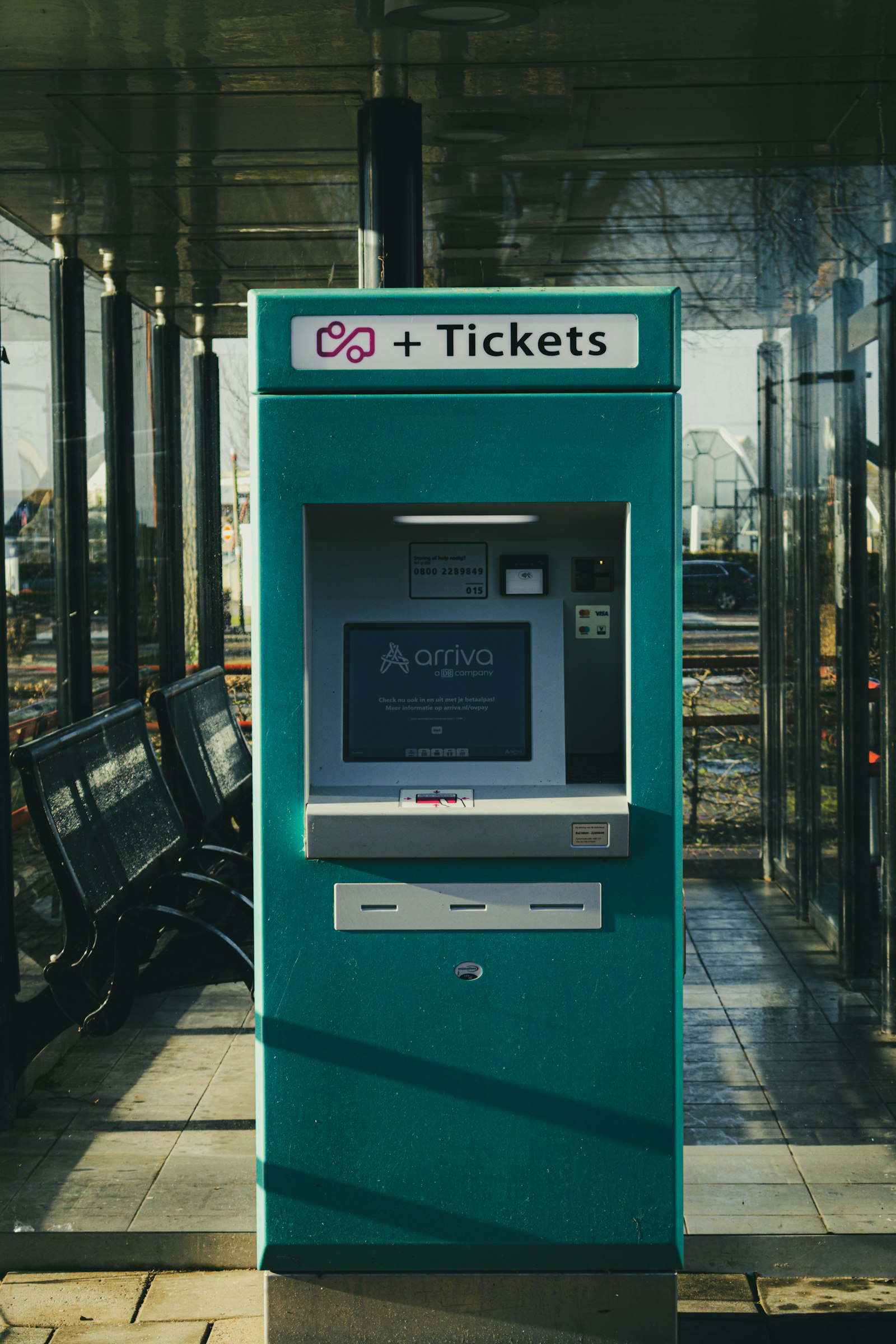
Trenitalia’s self-service machines officially accept credit cards, debit cards, contactless payments and cash. The operator specifically notes that its card terminals support PIN entry. Trenitalia’s current self-service information confirms those payment options.
That does not mean every card issued abroad will complete every transaction. The railway machine, its payment processor and your own bank all have to agree. A rejection can result from an issuer security block, insufficient funds or credit, an expired card, authentication trouble, or a card whose verification method does not work well with an unattended European terminal.
This is why the same card might work five minutes later at a staffed supermarket checkout but fail at a railway machine.
If the machine asks for a PIN
The important distinction is that the machine is asking for a card PIN, not the passcode you use to unlock your banking app and not your billing ZIP code.
For a debit card, use the normal PIN associated with that card. For a credit card, things are less predictable. Many European cards support PIN verification as a normal part of in-person payments. Some cards issued in countries where signatures or other authentication methods are more common may not have a PIN that works for purchases at an unattended terminal.
Do not guess repeatedly. Several incorrect PIN attempts can cause the card or its PIN function to be blocked.
If you know that your credit card has a purchase PIN, use it. If you have never been issued one, do not assume that your ATM cash-advance PIN, phone PIN or a random four-digit number is interchangeable. Check your issuer’s app or contact the bank instead.
Try contactless before giving up on the card
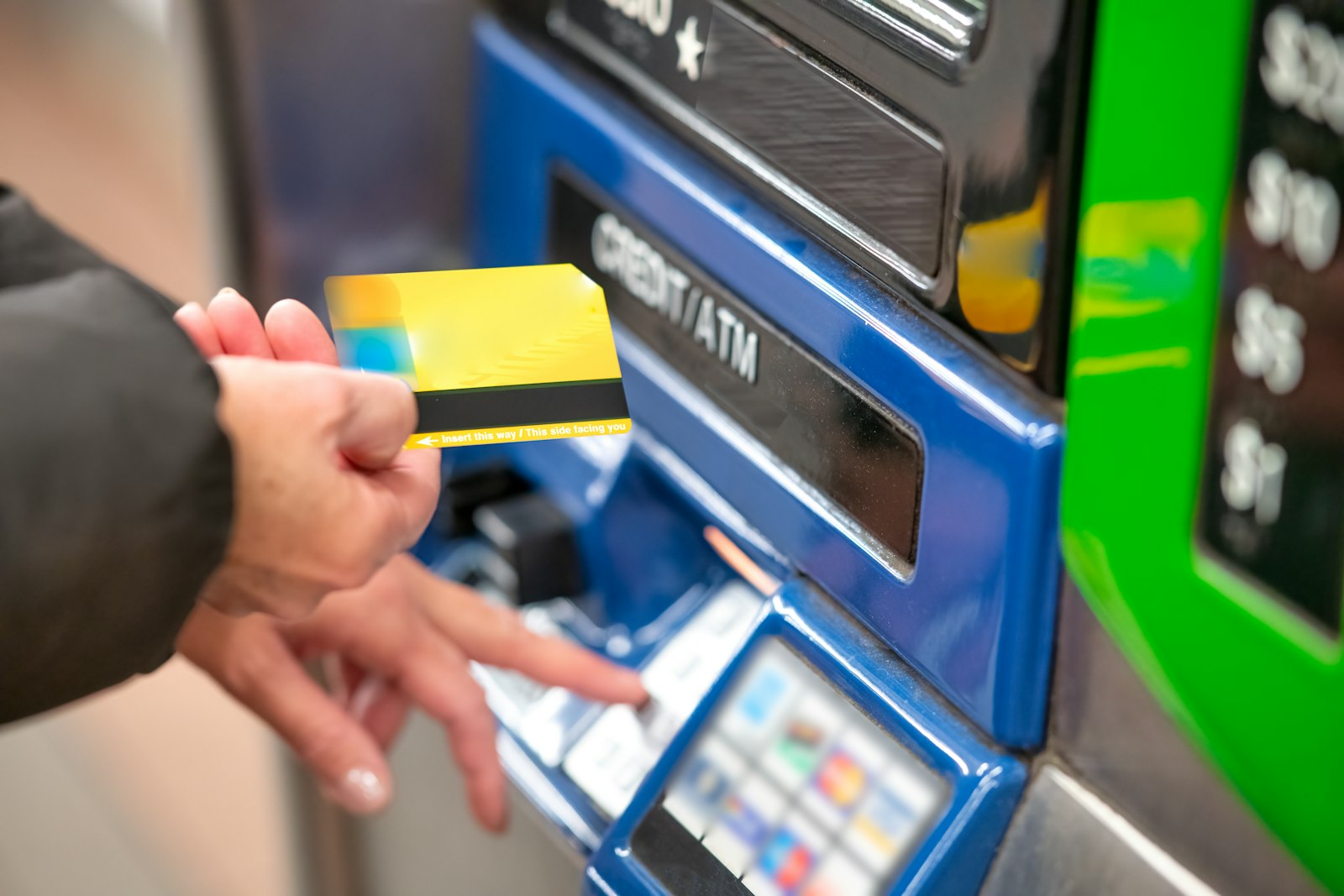
If the machine displays the contactless symbol, tapping the physical card or a supported mobile wallet is worth trying. Trenitalia specifically lists contactless payment at its self-service machines. A contactless transaction may follow a different verification path from inserting the chip, although the bank can still request additional authentication or decline it.
If tapping fails, insert the card rather than repeatedly tapping it. If inserting then produces a PIN request you cannot satisfy, move to another payment method.
What if the machine asks for a ZIP code or postal code?
A postal-code prompt is separate from a PIN prompt. If a payment screen genuinely asks for your billing ZIP or postcode, enter the postal code registered with the card issuer. Do not enter the postal code of your hotel, the railway station or the Italian city you are standing in.
You may also see the Italian abbreviation CAP, short for codice di avviamento postale. CAP simply means postal code. It can appear in customer or invoice details as well as payment-related screens.
Foreign postal codes can sometimes be awkward on terminals designed around numeric Italian five-digit CAP codes. If your home postcode contains letters and the machine provides only a numeric keypad, do not invent a number such as 00000 unless your card issuer specifically tells you to do so. Switch payment methods instead.
Most importantly, a ZIP code is not a substitute for a PIN. Typing your American billing ZIP into a four-digit PIN request will not solve the problem.
The fastest recovery sequence at the station
If departure is getting close, troubleshooting should have a time limit. A useful order is:
- Try contactless once. Tap the card or mobile wallet if the terminal offers it.
- Insert the chip once. If a PIN appears and you know the correct PIN, enter it.
- Use a second card. Preferably use a different issuer as well as a different physical card.
- Buy through the official operator’s website or app. Your phone purchase does not depend on that station’s physical card terminal.
- Use the staffed ticket office. Look for signs saying Biglietteria.
- Use cash where accepted. Check the payment symbols on the machine before beginning again.
Do not spend ten minutes repeating the same declined transaction while your train’s departure time approaches.
Buying on your phone is usually the best backup
For Trenitalia services, tickets can be purchased through Trenitalia’s website or app. Its current online payment options include major cards and, depending on the device and platform, options such as PayPal, Apple Pay and Google Pay. Check Trenitalia’s current online payment methods if your physical card is being rejected at the station.
Italo likewise sells tickets through its website and app and lists credit and prepaid cards, PayPal, Apple Pay and Google Pay among its online options. Its station self-service machines accept cards and other payment methods. Italo’s official sales-channel page has the current details.
Mobile data is obviously useful here. Before a multi-city rail trip, it is sensible to have the official operator apps installed and at least two payment methods available. You can also organize the rest of your Italy route before departure so you are not researching connections while standing beside a stubborn ticket machine.
Check that a failed-looking payment really failed
Do this before immediately buying another expensive high-speed ticket.
If the machine or an online purchase produced an error after you approved the payment, check:
- your email for a ticket or booking confirmation;
- the operator’s app under your trips or bookings;
- your bank app for the transaction;
- whether a ticket actually printed from the machine.
Trenitalia advises passengers whose online transaction appears to fail to check for a confirmation email or look in their account before attempting another purchase. A bank notification by itself is not always proof that a completed ticket purchase exists.
If you have a card authorization but no ticket, keep screenshots or photographs showing the error and transaction details until the situation is resolved.
Using cash at an Italian train ticket machine
Cash remains a useful backup, but look at the machine before starting the transaction. Trenitalia says its self-service ticket machines accept euro banknotes and dispense change. Italo also lists cash among the methods available through its self-service channel, although the exact hardware available at a particular station can differ.
If a machine cannot accept a particular note or provide enough change, the screen should indicate the limitation before payment. Smaller euro notes are therefore more useful than arriving with only a €100 or €200 note.
A staffed biglietteria can also remove the uncertainty of an unattended card terminal, particularly if you are buying several tickets or need help changing an existing booking.
Do not accept random help at the machine
Major stations sometimes have unofficial “helpers” who approach confused travelers at ticket machines and begin pressing buttons for them. They may then demand money, and allowing a stranger close to you while your card, wallet and PIN are exposed creates an obvious security problem.
If you need assistance, cancel the transaction and find identifiable railway staff or the official ticket office. The Italy on Foot guide to common tourist scams in Italy covers this particular station problem in more detail.
Never tell a stranger your PIN or allow someone to “try the card for you.”
Can you simply board and buy the ticket on the train?
Do not assume so.
For Trenitalia national services, the general rule is that purchasing a normal ticket on board is not allowed. Trenitalia provides limited exceptions when a passenger starts from a station without staffed ticketing and without functioning self-service facilities, subject to the applicable conditions and notifying staff immediately upon boarding. Regional rules can also vary because individual regions may have their own provisions.
A machine rejecting your particular card is therefore not automatically permission to board a Trenitalia train without a ticket if other ways of purchasing one were available.
Italo follows a different system. At stations without platform-access gates, a passenger without a ticket may in certain circumstances ask Italo staff for a Prenotazione al binario, or platform reservation, up to three minutes before departure if seats remain. The passenger then pays the specific Bordo onboard fare. This is an operator-specific fallback, not a general Italian railway rule.
If you have more than a few minutes, buying through the proper sales channel is far safer than relying on an onboard exception.
Regional tickets need one more check after you finally pay
Solving the payment problem does not necessarily finish the job. If you receive a paper regional ticket, check whether it needs validation before boarding. Trenitalia’s current digital regional tickets work differently from traditional paper tickets, so do not apply one validation rule to every ticket in Italy.
High-speed Frecciarossa and Italo tickets are normally issued for a specific train and do not get stamped in a station validation machine. For a broader explanation of those differences, see the Italy on Foot guide to traveling around Italy by train.
If your train leaves in five minutes
Stop experimenting with the troublesome machine. Open the official operator app or website immediately while walking toward the ticket office. If another member of your group has a different card, let them try the purchase instead. Keep your luggage with you rather than leaving it beside the machine while hunting for cash.
If every official sales channel is unavailable or malfunctioning, find railway staff before boarding whenever possible and explain exactly what happened. Useful phrases include “La macchinetta non accetta la mia carta” for “the machine isn’t accepting my card” and “Dove posso comprare il biglietto?” for “where can I buy the ticket?”
The key distinction is simple: a failed card transaction is a payment problem, not a ticket. Until an official channel confirms the purchase and you have the required travel document, treat yourself as still needing a ticket.